




Quick Start
- 1. Update your arcade controller to the latest firmware. Hold START button while plugging in your PC, enter http://192 168.7.1/ in a web browser to enter the web configurator, Go to the input Mode Settingoption, select PS4 mode, and change the Authentication Settings optioto Host USB. (This option is enabled by default in PS5 mode)
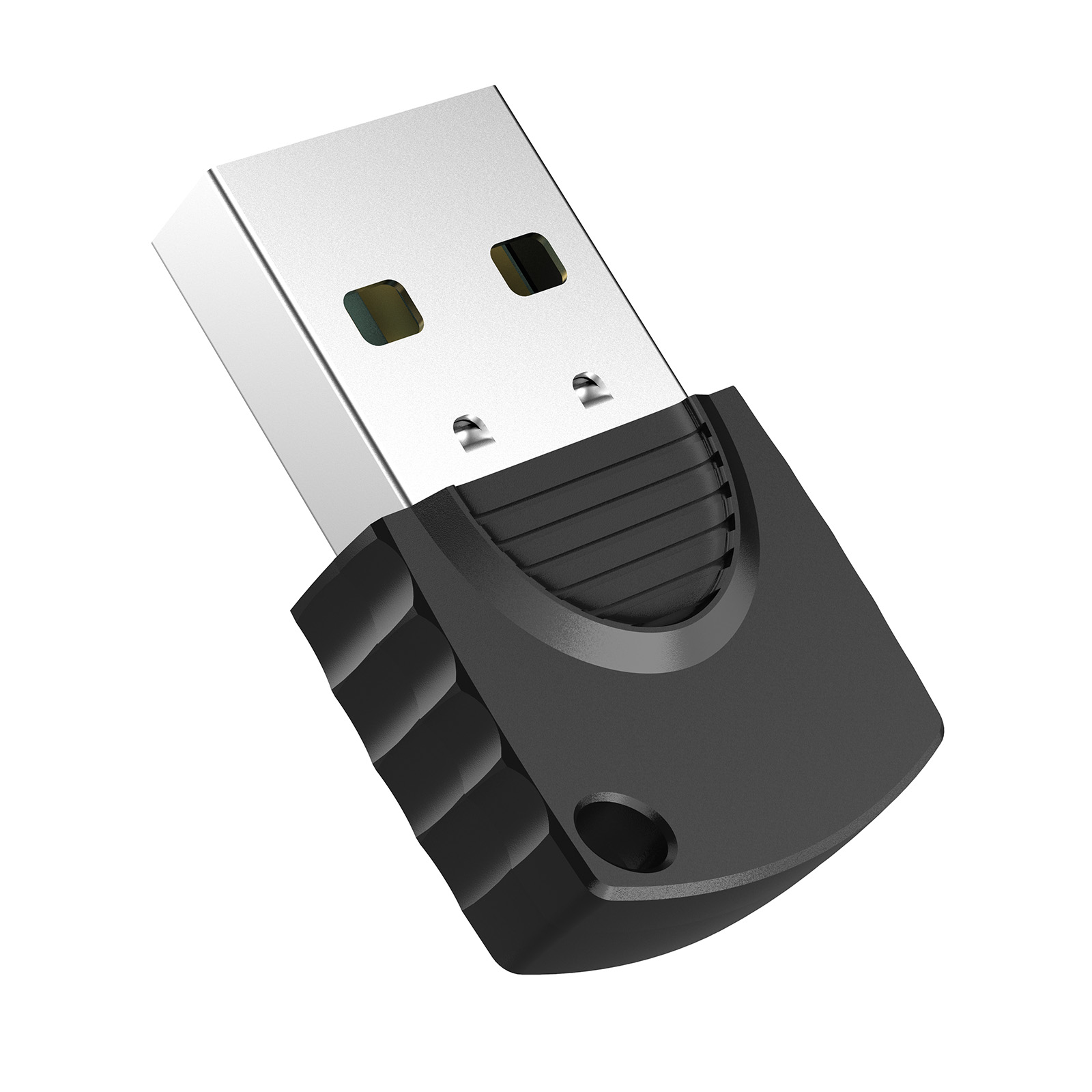
- 2. Plug GKBOOTS into the ExT port of Guilekeys controller
- 3. Connect your controller to the PS5/PS4 console and switch the inpumode to PS5/PS4 mode.
